What vibe coding is, and what it is not
Vibe coding is not closing your eyes and asking an AI to “make an app.” That usually produces fragile code, vague UI, and bugs you only discover later.
A better definition: vibe coding is a tight loop where you describe the outcome, let an AI coding agent make changes, inspect what changed, test the result, and steer the next iteration.
The “vibe” part is real, though. You do not need to know every implementation detail upfront. You can start with product intent: “make this dashboard easier to scan,” “add signup with Stripe,” or “turn this static page into a working calculator.” The skill is learning how to give enough context that the agent can make useful decisions.
How to vibe code in Vibesies
1. Choose the right hosting tier
Start by picking a Vibesies plan that matches the size of what you are building. Starter works for one small site or prototype. Builder is the practical default if you want a custom domain and daily backups. Pro is better when you are running multiple sites, need more RAM and CPU, or want hourly backups.
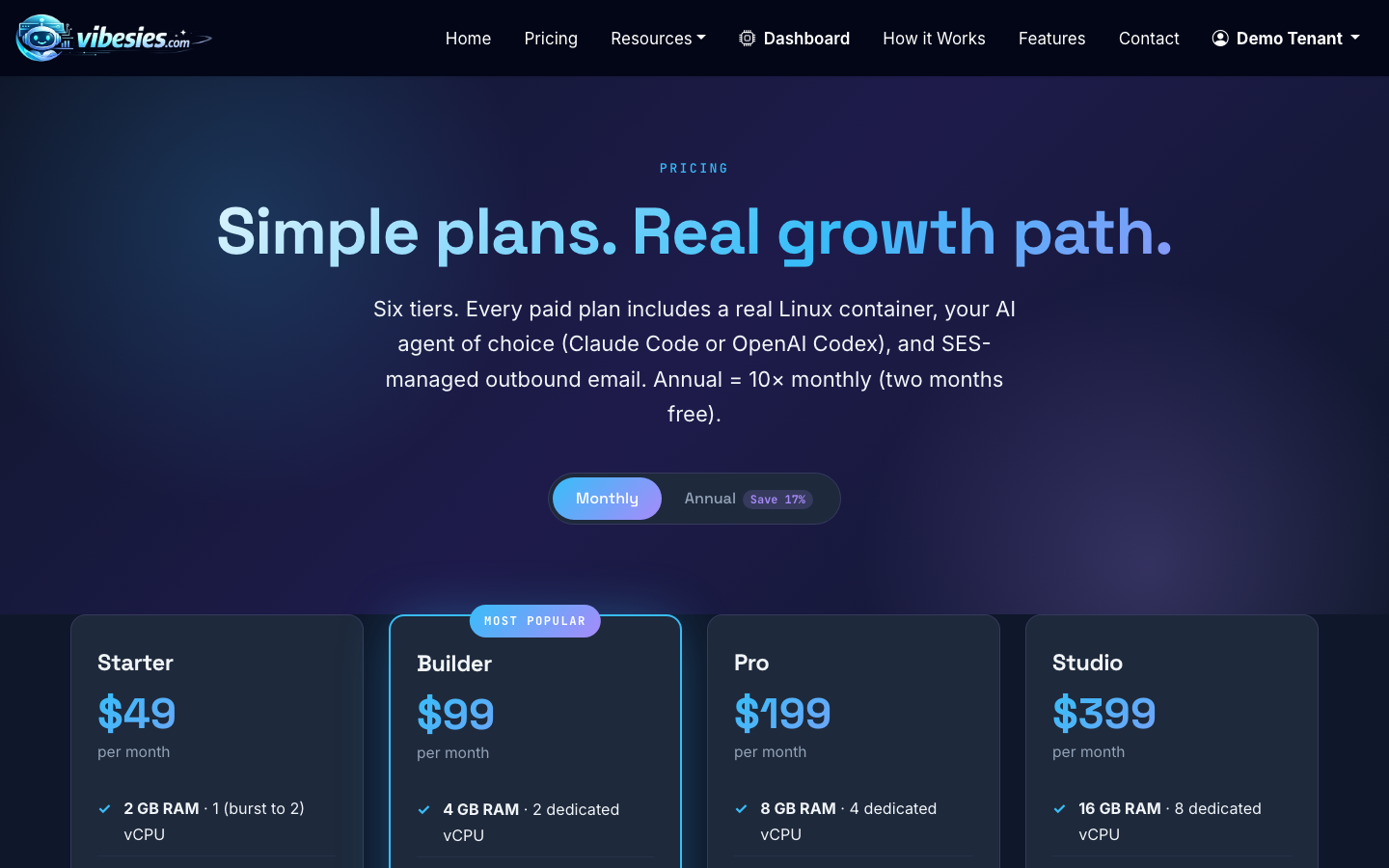
The tier matters because vibe coding can involve package installs, local builds, test runs, asset generation, and background processes. A tiny container can still work, but heavier frameworks and AI-assisted rebuild loops feel better with more room.
2. Connect your AI coding agent credentials
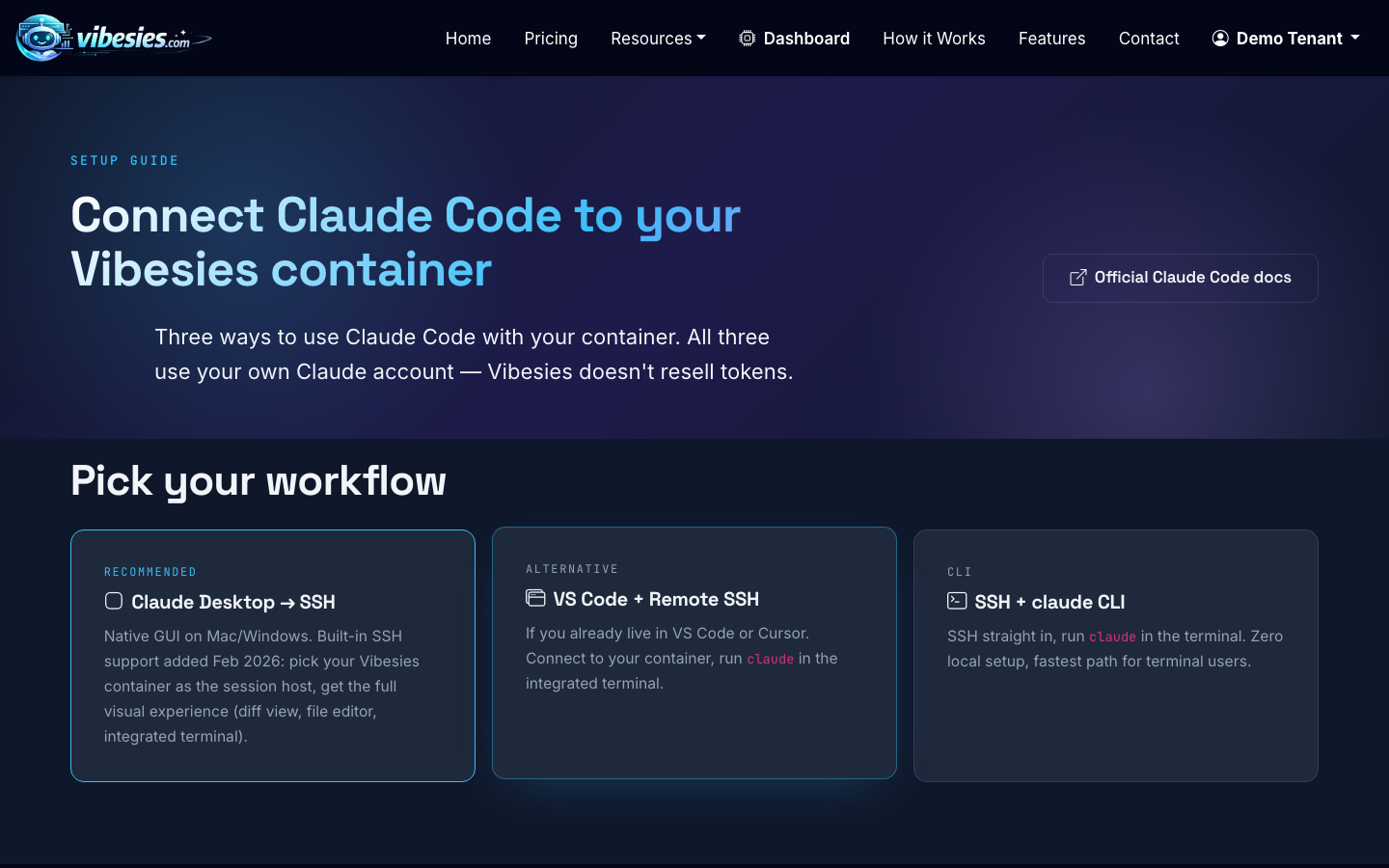
Vibesies ships with Claude Code and OpenAI Codex pre-installed. You bring your own Claude Pro/Max, ChatGPT Plus/Pro, or API key, then store those credentials as tenant secrets so the agent can run inside your container.
If you prefer Claude Code, follow the Claude connection guide. If your workflow is centered on Codex, connect your OpenAI credentials instead.
3. Open your tenant dashboard and confirm the container is ready
Once your tenant is provisioned, use the dashboard to check container status, subdomain, custom-domain settings, backups, and install requests. This is also where you can see the operational pieces around your coding environment.
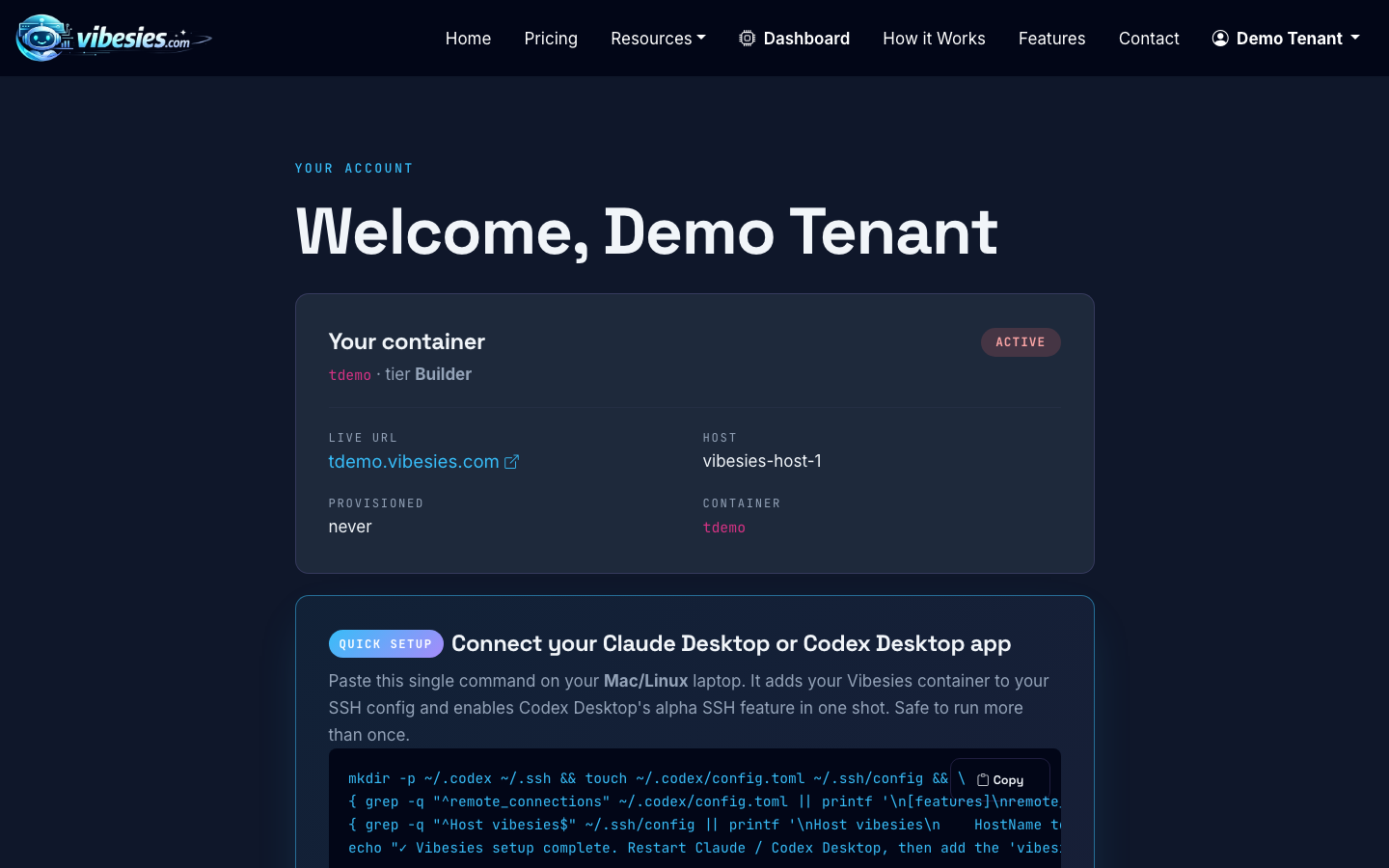
Before asking the agent to make changes, confirm the project you want to work on exists in the container and that the app can run locally. A good first instruction is simple: “Inspect this project and tell me how to run it.”
4. Give the agent a specific first task
Your first vibe-coding prompt should be narrow enough to finish in one pass. Avoid asking for an entire product unless you are genuinely starting from zero.
Good first prompts look like this:
- “Add a pricing comparison section to the homepage using the existing design system. Keep the current header and footer unchanged.”
- “Find why the contact form fails validation for valid phone numbers, fix it, and add a focused test.”
- “Create a simple admin page that lists users, subscription tier, and account status. Match the existing dashboard style.”
Weak prompts look like this:
- “Make it better.”
- “Build me a SaaS.”
- “Fix all bugs.”
The difference is not politeness. It is surface area. The more open-ended the task, the more likely the agent will make assumptions you did not intend.
5. Let the agent inspect before editing
A good coding agent should read the relevant files before changing them. In Vibesies, the agent has standard Linux tooling available, so it can inspect the repo, search with command-line tools, run build scripts, and understand the project structure.
Ask for a short plan before edits when the task has risk. For a simple copy change, that is unnecessary. For authentication, billing, database migrations, or deployment changes, it is worth slowing down.
6. Review the diff like a product owner and a developer
After the agent changes code, review two things: whether the behavior matches your intent, and whether the implementation fits the existing project.
Look for:
- Unrelated file changes
- New dependencies that were not necessary
- Hardcoded secrets, URLs, or test data
- Styling that ignores the current UI patterns
- Missing loading, empty, and error states
- Tests that pass trivially without checking real behavior
You do not need to be a senior engineer to catch many of these. If something looks odd, ask the agent to explain why it made that choice. If the explanation is weak, ask for a simpler implementation.
7. Run the app and test the workflow
Vibe coding becomes reliable when every loop ends with verification. For a frontend change, open the page and click through the affected flow. For backend work, run the relevant tests. For deployment changes, confirm the app still starts cleanly.
A practical testing loop is:
- Run the project’s existing test or build command.
- Manually try the changed workflow.
- Ask the agent to fix failures one at a time.
- Re-run the same checks before moving on.
This is where having a real container helps. You are not just chatting with an AI about code; you are letting it work in a Linux environment that can install packages, run tools, and preserve project state.
8. Ship small, then iterate
The best way to code by vibes is to ship in small increments. Add one page. Fix one flow. Improve one dashboard. Then repeat.
For example, instead of prompting “build a full customer portal,” break it into:
- Add the customer portal route and layout.
- Show account and subscription details.
- Add invoice history.
- Add a support request form.
- Add empty and error states.
- Polish mobile behavior.
Each pass gives you a working checkpoint. That keeps the creative flow without giving up control.
How do you vibe code without making a mess?
Use constraints. Constraints make AI coding better.
Tell the agent what not to change: “Do not alter the database schema,” “Keep the existing color tokens,” or “Do not add new dependencies unless you explain why first.” Tell it what success looks like: “The build must pass,” “The form should submit in under two seconds,” or “The page should work on mobile widths down to 375px.”
You can also ask for smaller diffs: “Make the smallest reasonable change.” That single sentence often prevents unnecessary rewrites.
For deeper workflow advice, see How to Write Code Faster with Better Flow and How to Improve Coding Intuition and Trust Your Instincts.
Where Vibesies fits
Vibesies is for people who want a serious AI coding environment without assembling every piece themselves. Each tenant gets a sandboxed Linux container with persistent storage, full sudo, rootless Podman, pre-installed Claude Code and Codex, and hosting features like subdomains, custom domains on Builder and Pro, backups, and dashboard controls.
It is not a drag-and-drop site builder. It is closer to a premium workspace for power users who want to build, modify, and host real software with an AI agent sitting inside the environment.
